
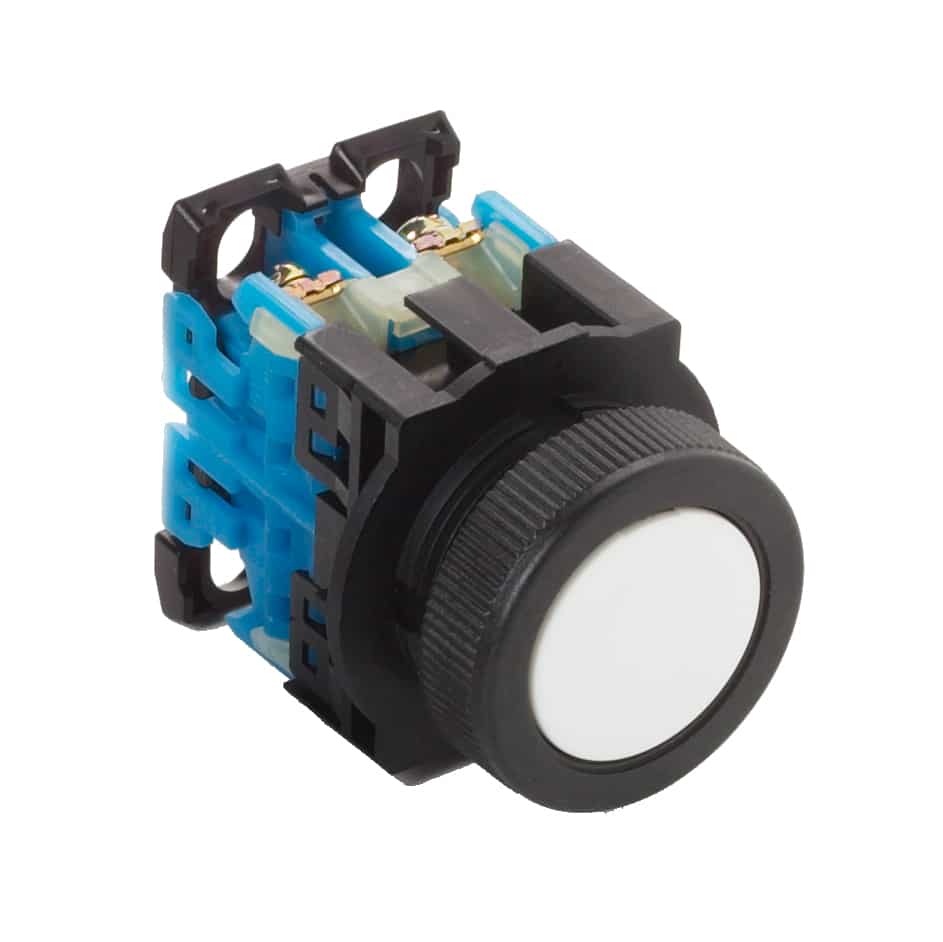
Pushbuttons are essential components in control systems, and understanding the difference between momentary and alternate action types is key to designing intuitive, safe, and functional operator interfaces.
Momentary Pushbuttons
How it works:
- The contact changes state only while the button is being pressed.
- Once released, it returns to its original state.
Characteristics:
- Spring-loaded mechanism
- Commonly labeled as “normally open” (NO) or “normally closed” (NC) based on contact status at rest
- Often used for short-duration commands
Common Uses:
- Start/Stop controls
- Machine jog or inching functions
- Doorbells
- Emergency stop (momentary + latching elsewhere)
Example:
Pressing a “Start” button energizes a relay only while it’s held down, unless a holding circuit is used.
Alternate Action Pushbuttons
How it works:
- Press once: contact changes state and stays in that state.
- Press again: returns to original state.
Characteristics:
- Mechanism locks in the new state until toggled again
- Acts like a mechanical latching switch
- Can be NO or NC depending on configuration
Common Uses:
- Power ON/OFF toggles
- Light switches (in pushbutton form)
- Control panel mode switches
- Manual override controls
Example:
Pressing an alternate-action pushbutton turns a light on and leaves it on until pressed again to turn it off.
Comparison Summary
|
Feature |
Momentary |
Alternate Action |
|
Contact State Duration |
Active only while pressed |
Maintains state until pressed again |
|
Mechanism |
Spring-return |
Mechanical latch/toggle |
|
Common Applications |
Jog, Start/Stop, reset buttons |
ON/OFF controls, mode changes |
|
User Feedback |
No state memory |
Visual/mechanical state change |
Conclusion
- Choose momentary pushbuttons for temporary or immediate actions.
- Use alternate action pushbuttons when you want a toggle-like function without using a separate latch.